Frequently Asked Questions (FAQ)
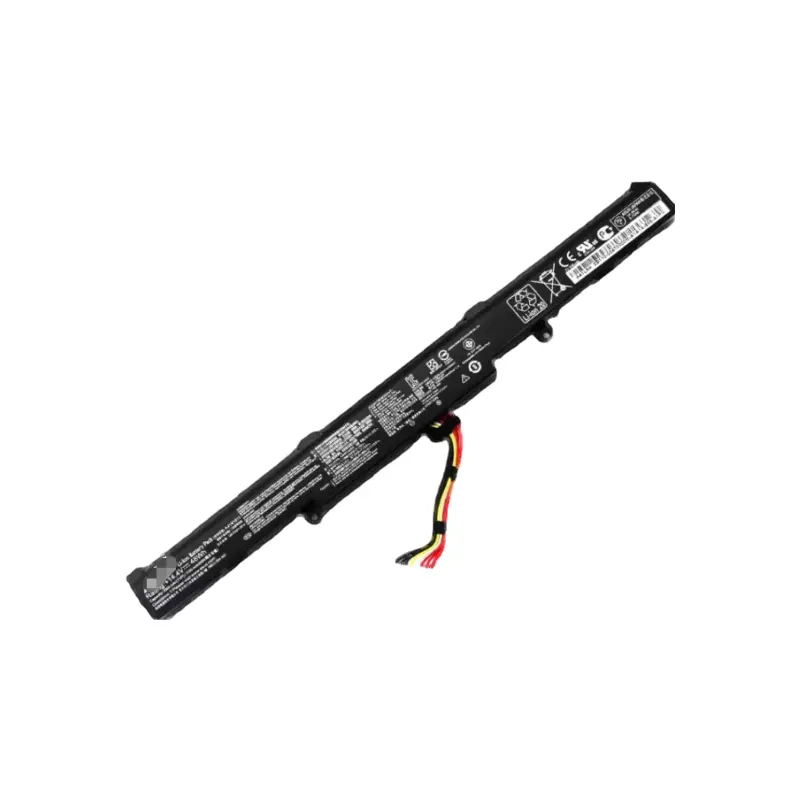
How do I verify if these batteries are compatible with my Asus laptop?
You can check your laptop's original battery model number (such as A41N1611 or B31N1726) or match your laptop series and model name with the compatibility list provided above. Make sure the voltage and shape align with your original battery.
What is the difference between Wh and mAh in battery specifications?
Wh (Watt-hours) measures the total energy stored in the battery, while mAh (milliampere-hours) measures the electric charge capacity. Both indicate the run-time potential; higher numbers generally offer longer battery life under the same usage conditions.
Is it safe to use a replacement battery with a slightly different voltage?
Yes, minor voltage differences (e.g., using a 14.8V battery instead of 14.4V, or 11.1V instead of 11.52V) are standard and safe, as laptop power regulators are designed to handle these slight variations without issue.
How can I maximize the lifespan of my new Asus laptop battery?
For optimal lifespan, avoid letting the battery drain completely to 0% regularly. Try to keep the charge between 20% and 80%, avoid exposing the laptop to extreme heat, and ensure proper ventilation during charging.
Why does my new laptop battery not charge or register in my system?
If a new battery is not recognized, shut down your laptop, disconnect the AC adapter, remove the battery, hold down the power button for 30 seconds to drain residual power, and then reinstall the battery. Make sure the connection interface is clean and securely aligned.
 Machine-Win